fontpecker – Chrome ウェブストア
Chromeの機能拡張を作ってみた。
表示ページのテキストの設定を確認するツール。
既存で似たのは色々ありますが、自分が使いやすいものっつーことで、特徴としては
* 一覧にクリップしてページ上のポジションに依存せず比較できる
* CSSコード出力により、コーディングの検証が容易

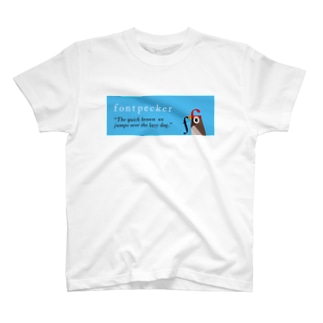
買う人居るのかしらんけど、グッズも作ってみたw
便利な世の中になったものです・・・


fontpecker – Chrome ウェブストア
Chromeの機能拡張を作ってみた。
表示ページのテキストの設定を確認するツール。
既存で似たのは色々ありますが、自分が使いやすいものっつーことで、特徴としては
* 一覧にクリップしてページ上のポジションに依存せず比較できる
* CSSコード出力により、コーディングの検証が容易
買う人居るのかしらんけど、グッズも作ってみたw
便利な世の中になったものです・・・
We use cookies to improve your experience on our site. By using our site, you consent to cookies.
Manage your cookie preferences below:
Essential cookies enable basic functions and are necessary for the proper function of the website.
These cookies are needed for adding comments on this website.
Google reCAPTCHA helps protect websites from spam and abuse by verifying user interactions through challenges.
Google Tag Manager simplifies the management of marketing tags on your website without code changes.
Statistics cookies collect information anonymously. This information helps us understand how visitors use our website.
Google Analytics is a powerful tool that tracks and analyzes website traffic for informed marketing decisions.
Service URL: policies.google.com (opens in a new window)
Marketing cookies are used to follow visitors to websites. The intention is to show ads that are relevant and engaging to the individual user.
A video-sharing platform for users to upload, view, and share videos across various genres and topics.
Service URL: www.youtube.com (opens in a new window)
You can find more information in our Cookie Policy and Privacy policy.